Getting into 3D printing might seem overwhelming at first, but it’s really just a fun project waiting to happen! If you've ever wanted to create something cool from scratch, this is a great way to dive in. All you need is the right printer and a bit of guidance.
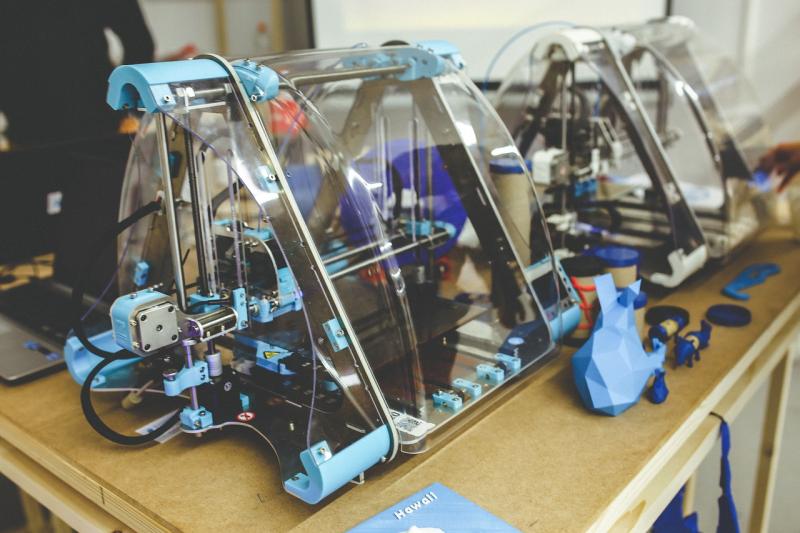
First off, choose a printer that suits your needs. If you're just starting out, look for something user-friendly. Some popular options are the Creality Ender series and the Anycubic i3 Mega. They’re reliable, affordable, and come with tons of community support. Make sure to check out the reviews to see what other beginners say!
Once you’ve got your printer, the next step is installing the software. Most 3D printers come with their own slicing software, but people love using Ultimaker Cura because it’s pretty straightforward. This software helps turn your 3D models into something your printer can understand. It’s like translating the design into a language your printer speaks.
Now, let's talk about finding models. Websites like Thingiverse or MyMiniFactory have tons of free designs. You can download anything from spare parts to fun toys. If you’re feeling creative, you can even use programs like Tinkercad to design your own models. It’s easier than you think!
Finally, get printing! Don’t be discouraged if your first few tries don’t turn out perfect. That’s all part of the process. Keep experimenting, learn from any hiccups, and soon you’ll be printing like a pro. Enjoy the journey, and remember to have fun!
Essential Tools for Your First Print
Jumping into 3D printing? You’ll need a few essential tools to make your first print a success. Don't worry; you don’t need a massive toolkit! A few key items will set you on your way.
First up, a reliable slicer software is a must. This is the program that takes your 3D models and turns them into a format your printer understands. Many printers come with their own software, but you might explore options like Ultimaker Cura or PrusaSlicer if you're looking for something with a bit more flexibility.
Next, get your hands on some quality filament. The type of filament you choose can significantly affect your print quality. For beginners, PLA is usually the go-to choice. It’s easy to work with, widely available, and friendly to the environment. Just pick your favorite color and you’re good to go!
Don’t forget about a good set of tools for post-processing. Things like a spatula for removing prints, some sandpaper for smoothing edges, and a pair of tweezers can make your life so much easier. These little things can help you clean up your prints and give them that polished look.
Lastly, if you're working with a heated bed, a bed adhesive or glue stick can be a lifesaver to keep your print from warping or lifting. It helps your printed items stick better while they print. With these tools in your corner, you’ll be well on your way to creating awesome 3D prints in no time!
Choosing the Right 3D Printer
Next, think about the materials you want to use. Some printers work well with plastic filaments like PLA or ABS, while others can handle specialty materials such as resin or nylon. If you're just starting, PLA is a great choice. It's user-friendly, affordable, and perfect for beginners.
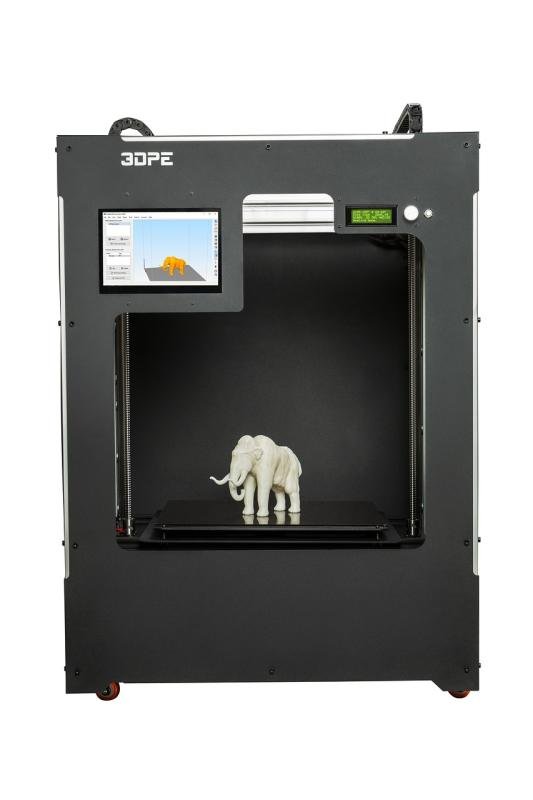
Don’t forget about size! Look at the build volume of the printers you're considering. If you want to print larger objects, you need a machine with more space. But if you’re just making small models, a compact printer will do just fine.
Also, check out ease of use. You want something that won't frustrate you out of the box. Look for features like touchscreens, Wi-Fi connectivity, and reliable customer support. A beginner-friendly printer can really make your 3D printing journey a breeze!
Finally, set a budget. Prices can really vary, so decide how much you’re willing to spend. Don't forget to include costs for filament and any accessories you might need. With a bit of research, you’ll find a printer that fits your needs and your wallet!
Tips for Successful 3D Printing
Getting started with 3D printing can be a fun adventure, but a few tips can help you avoid some bumps along the way. First things first, make sure your printer is set up correctly. Leveling the print bed is key. A well-leveled bed can make a huge difference in the quality of your print. Take your time with this step; it pays off later!
Next, choose the right filament for your project. Different materials can affect the final look and durability of your print. For beginners, PLA is a great option. It’s user-friendly, sticks well to the bed, and comes in all kinds of colors. Once you get the hang of it, you can experiment with other materials like ABS or PETG.
Don’t forget about your print settings! Adjusting factors like layer height, print speed, and temperature can significantly impact your prints. Start with the recommended settings for your filament and make small tweaks as you get comfortable. A slower print speed often leads to better detail, especially for intricate designs.
Checking the design files is also crucial. Make sure they're compatible with your printer and check for any errors before hitting print. Using slicing software can help you prepare your models properly and catch any issues early.
Lastly, patience is key. Not every print will come out perfectly, and that’s part of the learning curve. If something doesn’t go as planned, don’t be discouraged. Experiment, learn from mistakes, and enjoy the process of bringing your ideas to life!