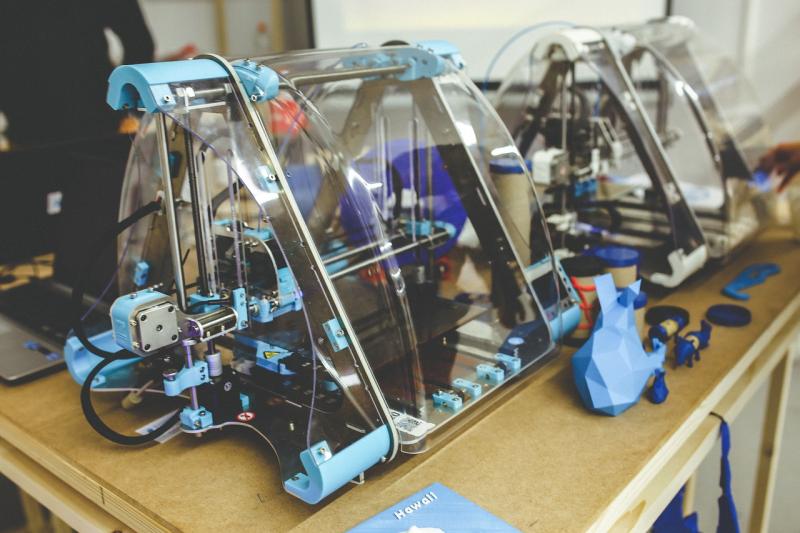
Getting into 3D printing is super exciting! It’s all about bringing your ideas to life layer by layer. First things first, you’ll want to pick a good 3D printer that matches your needs. If you’re new to this, a user-friendly model like the Creality Ender 3 can be a great choice. It’s affordable and has a solid community for support if you run into questions.
After you have your printer, it's time to dive into the software. Programs like Cura or PrusaSlicer help you prepare your 3D models for printing. Don’t worry if you’re not super techy; these programs often have tutorials to guide you through. You can find loads of free models online at sites like Thingiverse. It’s perfect for practicing your skills without having to design something from scratch!
Before you start printing, make sure you have the right materials. Filament options vary, but PLA is a solid starting point because it’s easy to work with and eco-friendly. Just load your filament into the printer, select your model in the slicing software, and hit that print button! Watching your creation come to life is just the best.
Once you’ve got some prints under your belt, don't hesitate to experiment! Try tweaking settings like print speed and layer height. Every change can impact your results. And remember, it’s all a learning process, so embrace the occasional hiccup. Each print will teach you something new, and before you know it, you’ll be creating awesome projects!
Types of 3D Printers to Consider
When diving into the world of 3D printers, it’s helpful to know the main types available. Each type has its own strengths, depending on what you need. Here’s a quick tour of the popular options out there.
FDM (Fused Deposition Modeling) printers are the most common and a great starting point. They work by melting plastic filament and layering it to create objects. FDM printers are usually more affordable and user-friendly. Plus, you can find a wide range of filaments in various colors and materials, making them versatile for all sorts of projects.
SLA (Stereolithography) printers are ideal for those looking for high detail. They use a laser to cure resin layer by layer, which results in incredibly smooth finishes. If you’re into creating miniatures or prototypes with a lot of intricate details, SLA is the way to go. Just keep in mind that resin can be a bit messy, and proper ventilation is a must.
SLS (Selective Laser Sintering) printers are perfect for industrial-grade projects. They use a laser to fuse powder materials together, creating durable parts. This type is great for functional prototypes and end-use parts but tends to come with a higher price tag. If you’re serious about 3D printing for business or heavy-duty tasks, SLS could be worth the investment.
Lastly, Multi Jet Fusion printers are on the cutting edge and cater to specific needs, like creating complex geometries quickly. They’re more common in industrial settings and can produce parts faster than traditional methods. While the upfront cost is high, the speed and quality they offer can be a game changer for businesses.
Essential Features for Your First Printer
Picking out your first 3D printer? You want something that makes printing fun and easy, right? Here are some essential features to consider before you hit that buy button.
Print Quality: Look for a printer that delivers sharp details and smooth finishes. A printer with a smaller nozzle size usually creates finer details, so keep an eye on that spec. It’s all about making your designs pop!
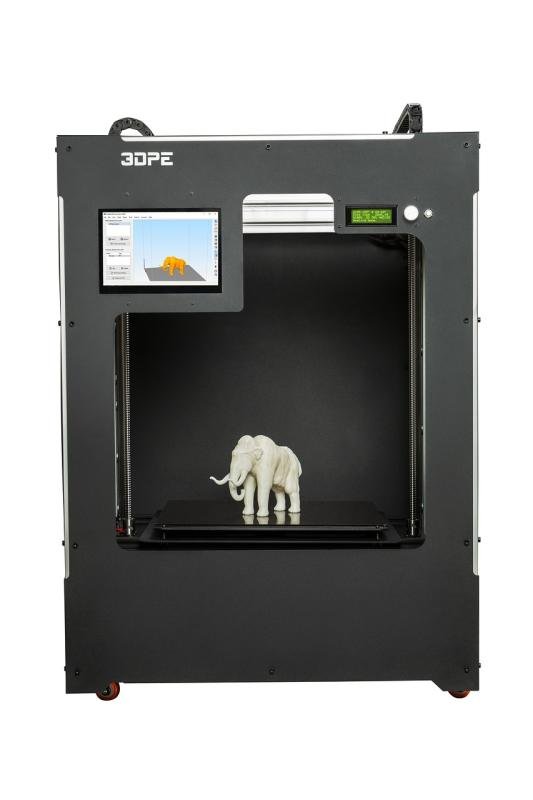
Build Size: Think about what you want to create. If you're dreaming big—like sculptures or models—you'll need a printer with a larger build volume. Check the dimensions to ensure it fits your projects.
User-Friendly Interface: A good printer should be easy to set up and operate. Touchscreen controls and straightforward software make a world of difference, especially for beginners. You don't want to wrestle with complicated settings.
Material Compatibility: Some printers only work with specific filaments. If you’re planning to use various materials—like PLA, ABS, or even some exotic ones—make sure your printer can handle them. Flexibility in materials opens up tons of creative options!
Tips for 3D Printing Success
Ready to kick off your 3D printing journey? Here are some handy tips to help you get the best results!
First up, always start with a good 3D model. You can find tons online, but make sure to pick one that’s designed for printing. Look for files with a .STL or .OBJ extension; these are the most common formats that printers use. If you want to create your own, software options like Tinkercad and Blender are super user-friendly.
Next, don’t skimp on the prep work. Level your print bed and check all your printer settings, like temperature and layer height, before you begin. This can make a huge difference in the quality of your prints. If things aren’t sticking properly, try using a glue stick or some blue painter's tape on the bed to help your prints adhere better.
Keep an eye on your filament. Store it properly to prevent moisture from ruining it, and make sure it’s compatible with your printer. Different materials, like PLA and ABS, have different settings, so don’t mix them up! And remember, always use the right nozzle size for your filament to avoid clogs.
Finally, be patient and ready to troubleshoot. Sometimes prints can fail, and that’s absolutely normal. Learn from your mistakes and tweak your settings. Join online communities or forums; they're packed with folks who love to share tips and help out. Just remember, every print is a chance to learn something new!